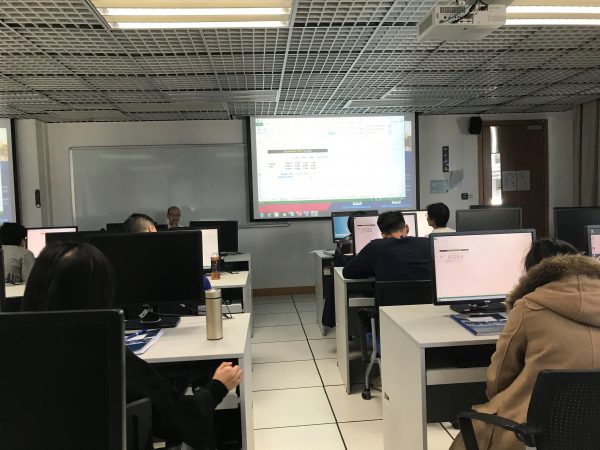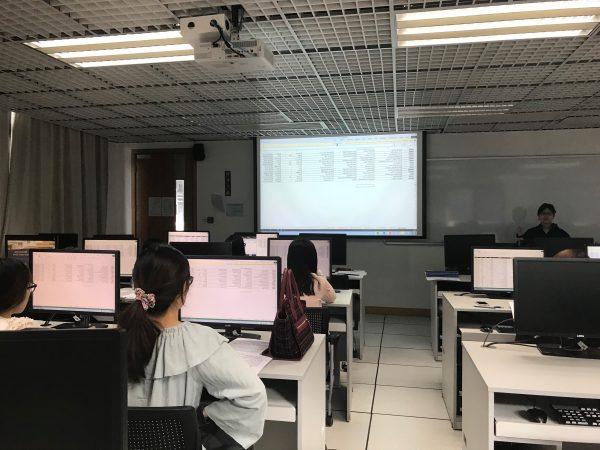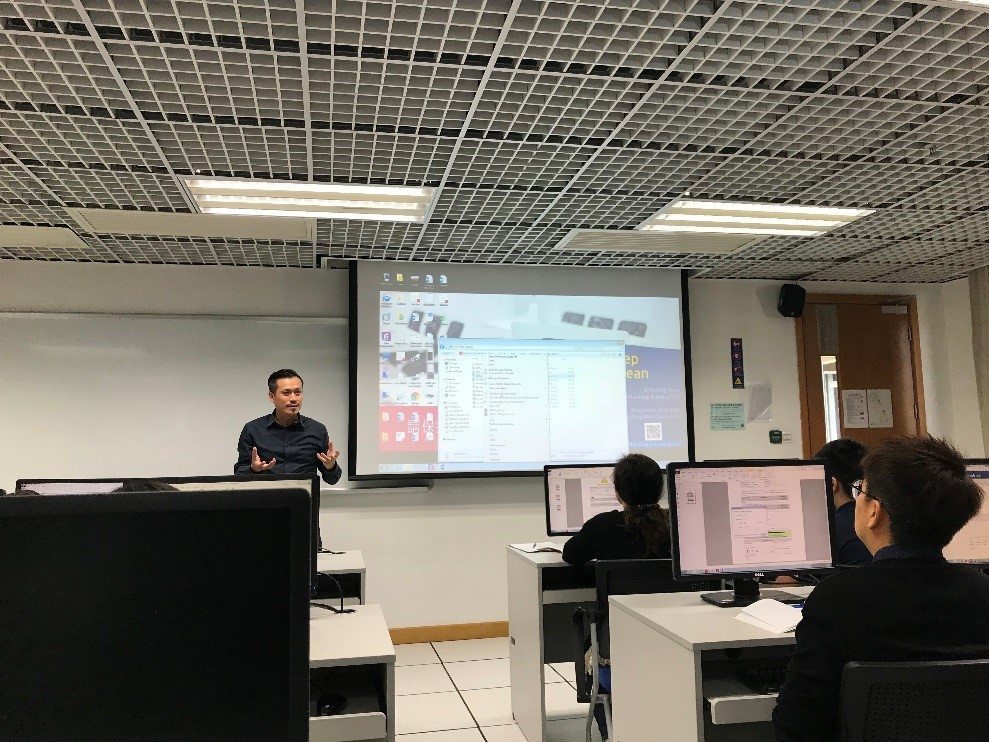

Microsoft Office 2013 Training

Course Outline:

  • Microsoft Word
    1. Reviewing and Collaborating on Documents
    2. Working with Long Documents
    3. Page Layout
    4.  Viewing Your Document(s)
    5. Protecting Documents
  • Microsoft Excel
    1. Tracking Changes
    2. Protecting Worksheets and Workbooks
    3.  Statistical Functions Category
    4. Lookup and Reference Functions Category
    5. Applying Conditional Formatting
    6. Using Pivot Table
    7. Inserting Sparklines
    8. Recording and Using Macros
  • Microsoft PowerPoint
    1. Simplify Layout and Design Processes with Masters
    2. The Power of Animations

UMMoodle Workshop 4 (2017/2018 1st semester)

This workshop aims to let teaching staff be more familiar with using GradeBook on UMMoodle. In the workshop, ICTO introduced how to setup a GradeBook and how to use grading tools, such as quick grading, aggregation & calculation of grading and grader reports.

Training Sessions of Foxit PhantomPDF

Course Outline:

  • Introduction of Foxit PhantomPDF
    1. PDF Text & Object Editing
    2. PDF Page Rotation
    3. PDF Extraction
    4. PDF Compression
    5. Add Text into PDF
    6. Export to MS Office
    7. PDF Protection (Password Setup )
    8. OCR Function
    9. Add Watermark
    10. PDF Signature

UMMoodle Workshop 3 (2017/2018 1st semester)

This workshop aims to let teaching staff be more familiar with using Quiz activity on UMMoodle. In the workshop, ICTO introduced how to create a Quiz activity with different question types and how to manage question bank.

2016/2017 AITSAG IT Product Update Workshop (4)

Topics:

  • Endpoint Devices
  • GPU and Hard disk partitioning
  • RFID Asset Management System
  • Construction/Engineering/Multimedia/VR
  • Managed Print Services

2016/2017 AITSAG IT Product Update Workshop (3)

Topics:

  • Affordable Data Mobility & Business Continuity with Multi-Array Federation
  • Data at Rest: Data at Risk
  • HPC Solution
  • Next General Server update
  • How to choose the best client technology for your workspace

UMMoodle Workshop 2 (2017/2018 1st semester)

This workshop aims to let teaching staff be more familiar with using Assignment activity and plagiarism checking tools on UMMoodle. In the workshop, ICTO introduced how to create an Assignment activity and how to collect & grade students’ submissions. ICTO also invited Library for giving an introduction to plagiarism checking tools, Turnitin and VeriGuide.

2016/2017 AITSAG IT Product Update Workshop (2)

Topics:

  • Big Data Era Arrived, ready to handle it?
  • Flexibility enough to your backup strategy?
  • Does your data infrastructure fast enough to handle your university growth?
  • Did your existing way fast enough to build your infrastructure?

UMMoodle Workshop 1 (2017/2018 1st semester)

This workshop aims to let teaching staff be more familiar with the new version of UMMoodle. In the workshop, ICTO introduced the changes and the new features of UMMoodle v3.2.