ShareDM and eForm Briefing
HRS and ICTO coordinated to hold a briefing of ShareDM and eForm to UM staff members. During the briefing, we introduced the features and benefits of ShareDM and demonstrated how to create eForm for registration.

HRS and ICTO coordinated to hold a briefing of ShareDM and eForm to UM staff members. During the briefing, we introduced the features and benefits of ShareDM and demonstrated how to create eForm for registration.
The briefing aims to introduce how to use the new UM Resources Booking System to reserve the resources (eg. Venues & Booth, Equipment, Banner and Meeting Room, etc.)
The briefing aims to introduce how to reserve the resources (eg. Venues & Booth, Banner, etc.) by Student Organizations in the new UM Resources Booking System.
HRS and ICTO coordinated to hold 2 training courses of WebCMS for UM staff members in September, 2018 and with totally 44 staff members attended. In the training sessions, we demonstrated the fundamental operations and elements of WebCMS, introduced the Avada theme, and also covered some tips to avoid bad practice in hosting websites. Besides, the training also offered hands-on exercises for colleagues to build a simple website.
The briefing aims to provide simple operation steps of how to operate computing facilities, Audio-Video system and Mplus (Teaching Assistant Tool) in computer rooms.
User Guide:
In order to introduce information facilities and services to new students, the Information and Communication Technology Office held a number of briefings.
Briefing Outline:
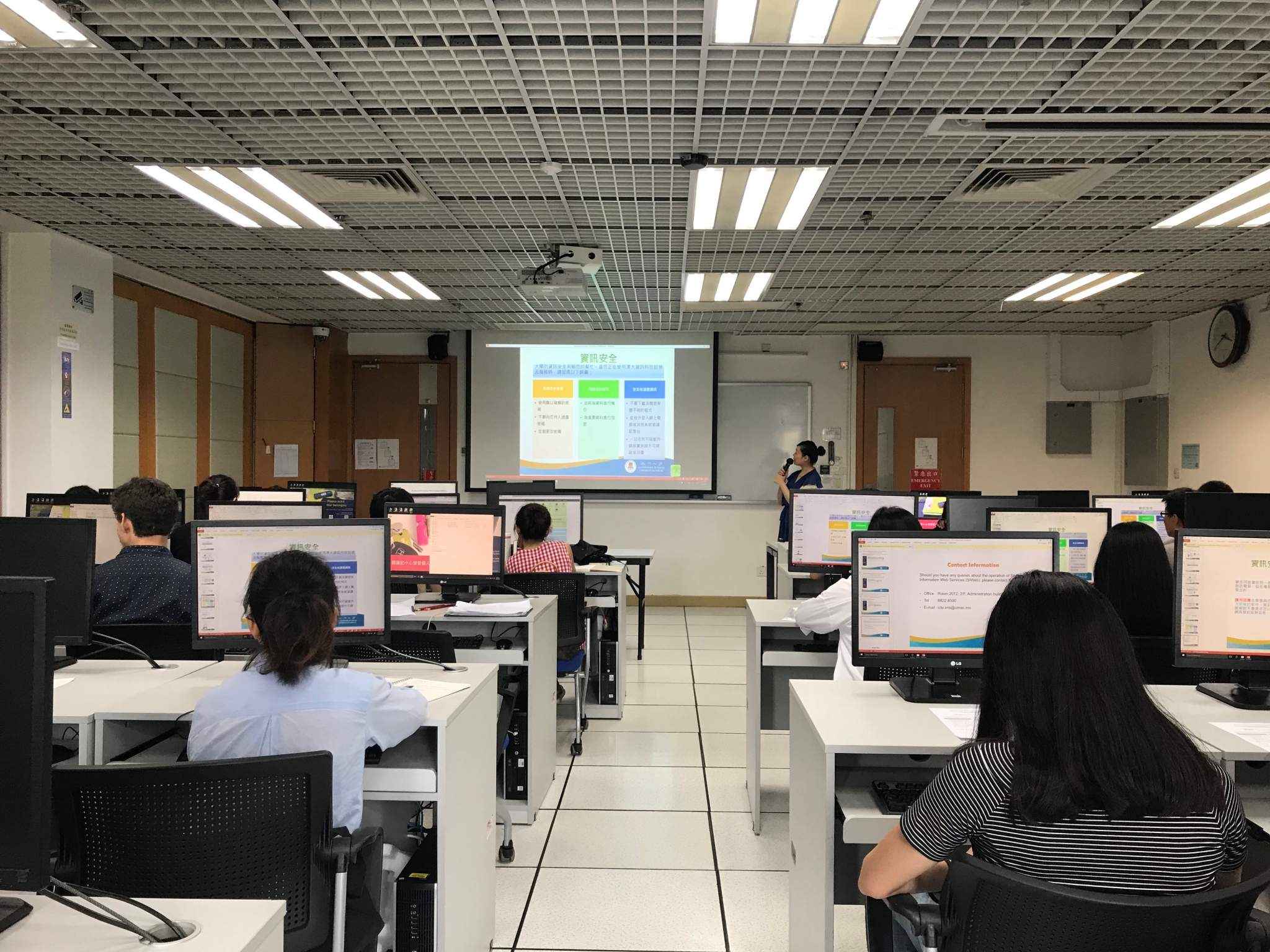
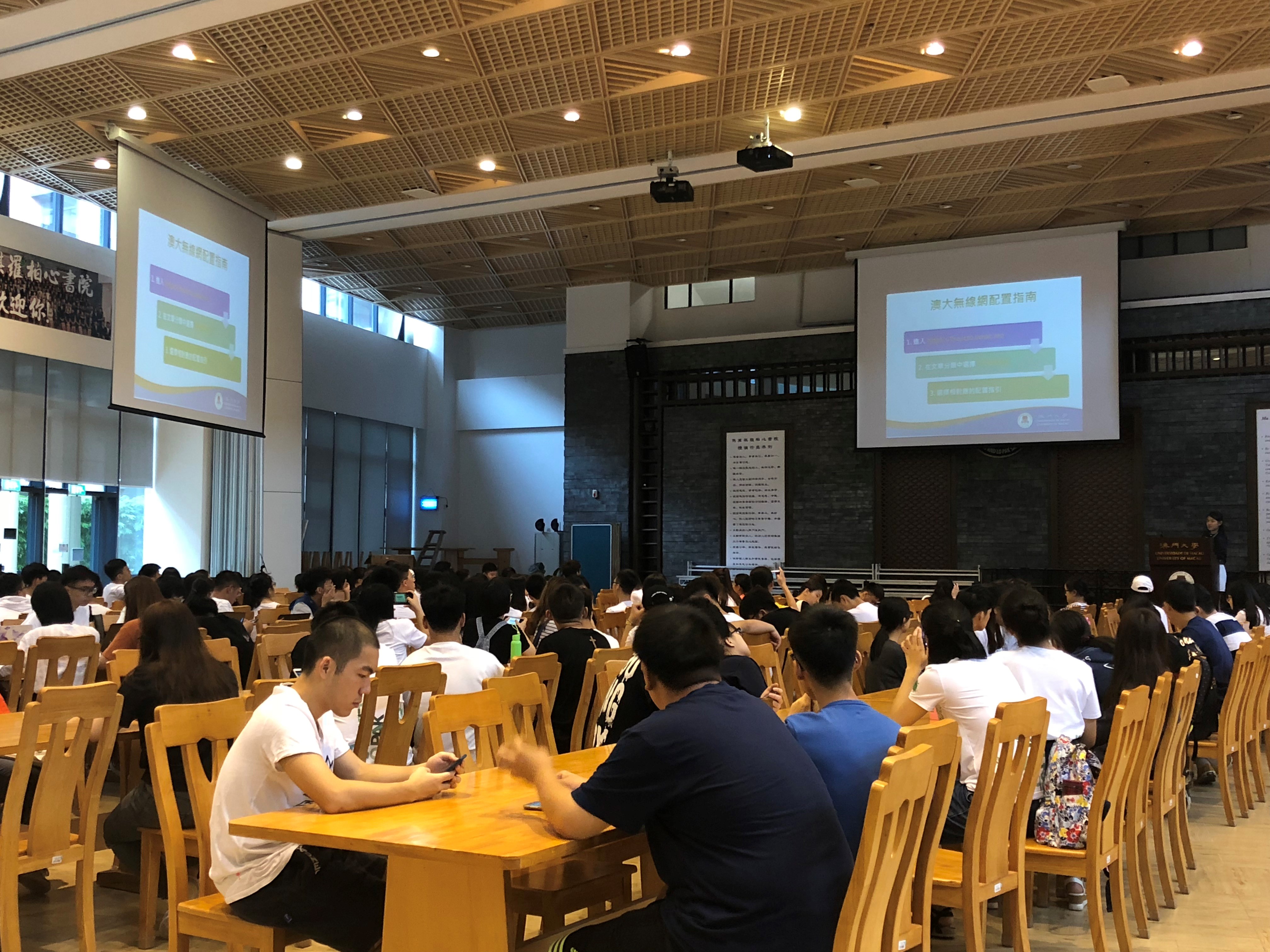
The briefing aims to let staff and students to have a clear understanding on how to use Open Data API. In the briefing, ICTO introduced:
This workshop aims to let teaching staff be more familiar with using GradeBook on UMMoodle. In the workshop, ICTO introduced how to setup a GradeBook and how to use grading tools, such as quick grading, aggregation & calculation of grading and grader reports.